

Cloudflare Workers createTestHarness(): Test Built Worker Routes with Vitest
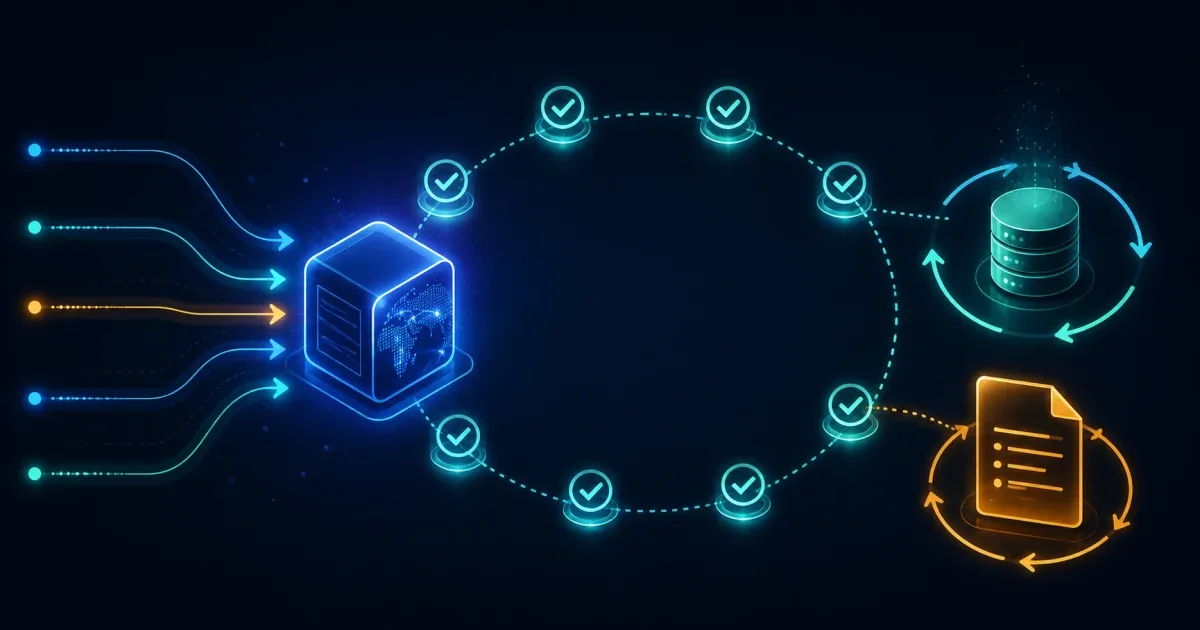
Cloudflare Workers’ createTestHarness() is the right boundary when a unit test is too small but a deployed test is too slow or difficult to isolate. The harness starts a Worker from its Wrangler configuration, lets Vitest send real requests with server.fetch(), and provides reset and close hooks for a repeatable suite.
The minimal shape is:
import { afterAll, afterEach, beforeAll, expect, test } from 'vitest';import { createTestHarness } from 'wrangler';
const server = createTestHarness({ workers: [{ configPath: './wrangler.jsonc' }],});
beforeAll(async () => { await server.listen();});
afterEach(async () => { await server.reset();});
afterAll(async () => { await server.close();});
test('responds through the Worker fetch boundary', async () => { const response = await server.fetch('/');
expect(response.status).toBe(200);});The key is not the assertion. It is the lifecycle: start once, reset the emulated state after each test, and close the server even when the suite finishes.
Install the prerequisites and point at the right config
Cloudflare’s integration-harness guide expects a Worker project with a Wrangler configuration, a Node test runner such as Vitest, and wrangler installed as a development dependency. Add the harness to the same package that owns the configuration it tests:
pnpm add --save-dev wrangler vitestIf the configuration is not at the repository root, use its actual path in configPath:
const server = createTestHarness({ workers: [{ configPath: './apps/api/wrangler.jsonc' }],});A path that works from an editor but not from the test runner usually means the test is being launched with a different working directory. Make the test script run from the package root, or resolve the configuration path in the way your monorepo already standardizes.
Use server.fetch() for route behavior
Calling server.fetch() exercises the Worker request boundary instead of importing the handler and bypassing routing. That lets a test cover method checks, URL parsing, response headers, and the bindings configured for the Worker:
test('rejects an unsupported method', async () => { const response = await server.fetch('/api/items', { method: 'DELETE', });
expect(response.status).toBe(405);});Keep these tests focused on observable behavior. Put pure parsing and business rules in ordinary unit tests, then reserve the harness for the boundary where Wrangler configuration, Worker routing, and local bindings need to work together.
Reset state so tests do not depend on order
The documented server.reset() lifecycle recreates storage and restores the original Worker options after each test. Use it when the suite touches KV, D1, Durable Objects, caches, or other stateful bindings. Without a reset, a test that passes after another test has seeded data can fail when Vitest changes the order or runs a narrower file.
If a test needs initial data, seed it inside that test or a helper called by the test. Keep the seed small and explicit, then assert the cleanup boundary by running the test alone and with the full suite.
For multiple Workers, describe each Worker in the harness configuration and test the dispatch or service-binding route that connects them. Do not replace that path with a direct import if the issue you are trying to catch is the configuration between Workers.
Build first when using the Cloudflare Vite plugin
Cloudflare’s configuration guidance distinguishes Wrangler projects from projects using the Cloudflare Vite plugin. For the Vite-plugin path, run the production build before the harness starts so the test uses the generated Worker output:
pnpm vite buildpnpm vitest runFor a Wrangler-only project, use the test command and configuration expected by that project instead of adding a build step that produces no input for the harness. The test’s first failure should tell you whether the problem is a missing build artifact, an incorrect configPath, or Worker behavior.
When the Worker calls an external API, use a controlled mock such as the integration patterns documented by Cloudflare rather than making the suite depend on a live service. A passing harness test should be reproducible without production credentials or a network outage.
FAQ
What does createTestHarness() test that a unit test does not?
It starts a Worker from Wrangler configuration and sends requests through the Worker boundary. That makes it useful for routing, bindings, configuration, and response behavior that a direct function call does not cover.
Why should I call server.reset() after every test?
Resetting the harness recreates storage and restores the original Worker options, so one test’s state does not become a hidden prerequisite for another test.
Should I use server.fetch() or Playwright?
Use server.fetch() for fast request-level integration tests. Use Playwright when the contract includes a real browser, and use a controlled mock for external services; the tools answer different boundary questions.
References:
Cloudflare Workers integration test harness: Get started