

OpenCode Go Setup: Connect the Provider and Select a Model
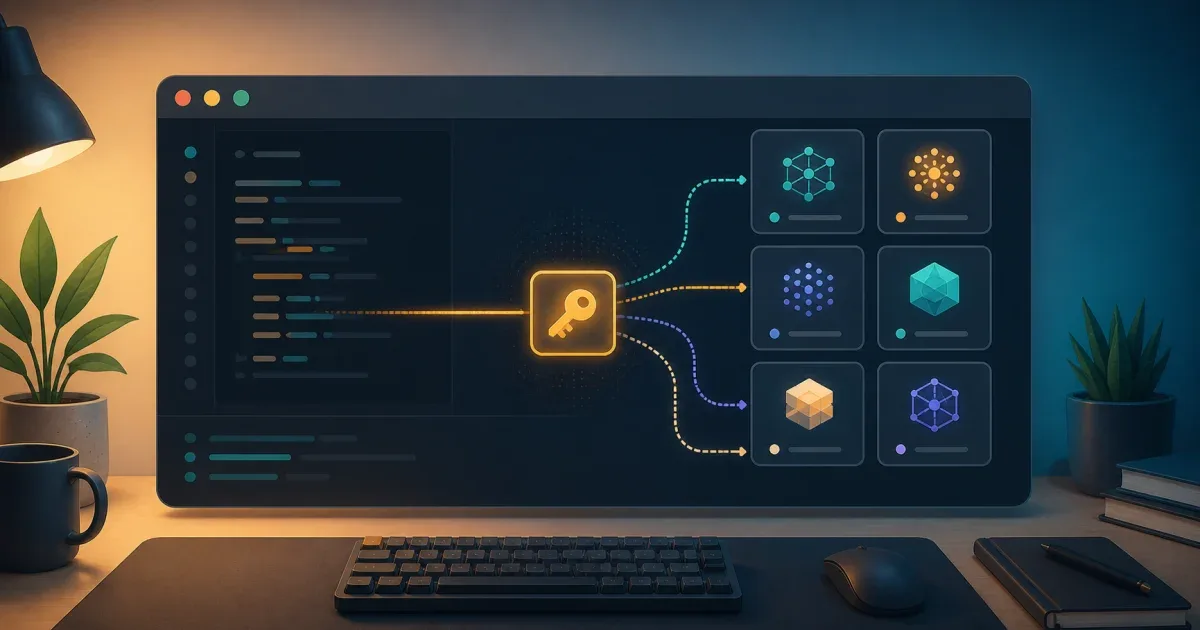
OpenCode Go setup is a short TUI flow: subscribe through OpenCode, run /connect, choose OpenCode Go, paste the API key, and run /models to see the models available to that account. The provider is optional; installing OpenCode does not automatically subscribe you to Go.
The important boundary is between authentication and model selection. A successful key entry does not prove that the model ID in a saved configuration is still available, and a model limit is not the same thing as an OpenCode configuration error.
Complete the OpenCode Go connection flow
OpenCode’s current Go documentation describes Go as a provider that works inside the normal OpenCode workflow. Use this order:
- Sign in to OpenCode and subscribe to Go if the account needs the subscription.
- Copy the API key from the OpenCode account or console page.
- Start OpenCode in the project where you want to use it.
- Run
/connectin the TUI. - Select OpenCode Go, then paste the key when prompted.
- Run
/modelsand choose a model that is listed for the connected account.
The key should be entered through the provider flow, not committed to opencode.json, a shell script, or a public issue. If the terminal keeps a command history, avoid putting the full key in a command-line argument.
Verify the provider before changing configuration
Use the TUI to check the boundary in small steps:
/connect/modelsIf /models shows the Go catalog, authentication and provider discovery are working. Select a model from that output and run a small, read-only request before assigning it to a long-running workflow.
OpenCode’s provider documentation uses a provider/model format for explicit model configuration. The Go guide currently shows IDs such as opencode-go/kimi-k3; the catalog can change, so copy the exact ID shown by your installed OpenCode version instead of keeping a model name from an old screenshot.
An explicit configuration can look like this:
{ "$schema": "https://opencode.ai/config.json", "model": "opencode-go/kimi-k3"}Treat the model value as a checked input. If the model disappears from /models, replace the value with a currently listed ID and verify the request again. Do not add a custom provider block merely because a catalog model changed.
Keep Go limits separate from setup failures
The Go documentation currently describes dollar-based limits for a five-hour window, a week, and a month. Those limits are usage policy, not evidence that the key or model configuration is invalid. The same page also says that the model list and limits may change as the service evolves.
Use this diagnosis order when a request fails:
| Symptom | Check first | What it means |
|---|---|---|
Go is missing from /connect | Account and subscription state | The TUI has not exposed the provider to this account yet. |
| The key is rejected | The key source and pasted value | Re-enter or replace the credential through the OpenCode account flow. |
/models is empty or missing a model | The current provider catalog | The saved model ID may be stale, or the catalog is not available to this account. |
| A request stops after sustained use | Go usage limits and the account console | A limit can block further usage without invalidating the setup. |
| A custom provider request fails | The provider package and settings fields | Custom provider options are package-specific; Go does not need a hand-written endpoint just to use its catalog. |
If the problem is local command execution rather than provider access, keep those concerns separate. For example, Codex’s --approve-for-me boundary controls approval review and sandbox policy; connecting a model provider does not change what a local coding tool may write.
Use the current catalog as the source of truth
OpenCode Go’s model list is intentionally not a permanent contract. Before putting a model ID in a team config:
- Run
/modelswith the same account that will run the workflow. - Record the exact
opencode-go/<model-id>value. - Test one small request with the repository’s normal permissions.
- Keep a fallback model or documented change procedure if the workflow is operationally important.
This makes a model change visible as a provider-catalog change instead of an unexplained application failure. It also prevents a copied model table from turning into stale configuration.
Takeaway
The reliable OpenCode Go setup is /connect followed by /models, with the current catalog deciding the model ID. Keep the API key out of files, treat usage limits as a separate account boundary, and only pin a model after the connected account has listed and answered with it.
FAQ
Q: Do I need an OpenCode Go subscription to use OpenCode?
A: No. OpenCode Go is an optional provider. You can use OpenCode with other providers or local models; Go adds its own subscription and catalog when you choose to connect it.
Q: Why does opencode-go/kimi-k3 stop working later?
A: The provider catalog can change, and the model may no longer be listed for the account. Run /models, copy a currently available ID, and test it before changing a shared configuration.
Q: Should I put the OpenCode Go API key in opencode.json?
A: No. Use /connect and the provider’s credential storage. A project configuration should contain a model choice or other non-secret settings, not a long-lived API key.
References: