

fetch JSON 解析失敗:Unexpected token、空回應與 HTML 排錯
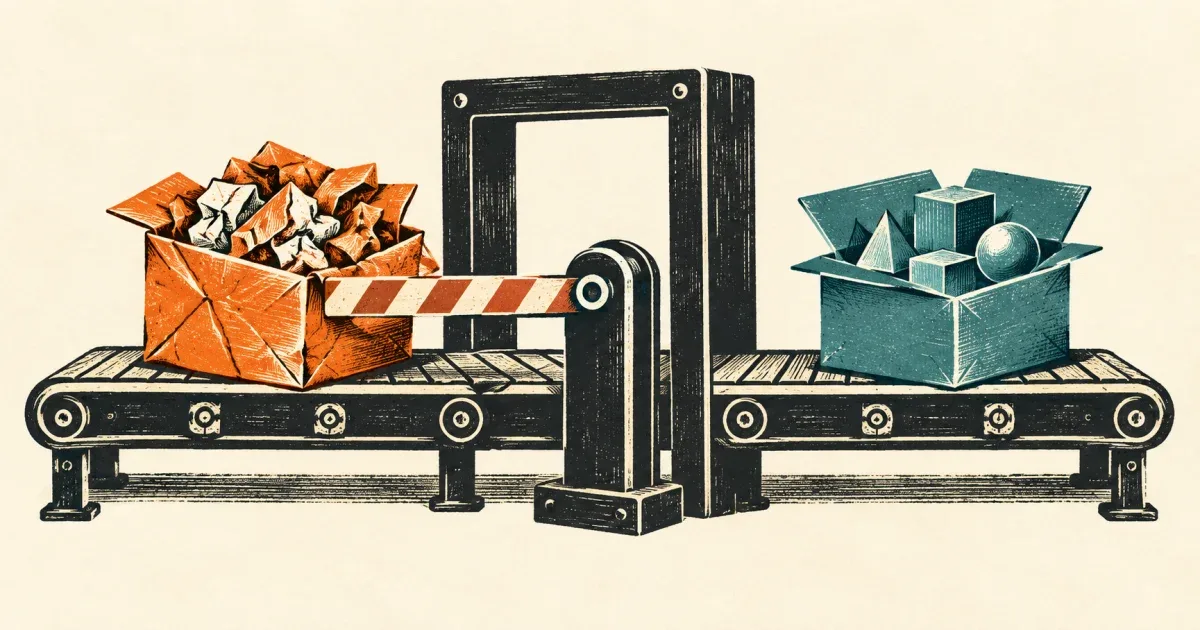
fetch() 後接 response.json(),卻收到 Unexpected token '<',先到 Network 看實際回應。開頭是 < 只能作為「可能收到 HTML」的線索;登入頁、錯誤頁、SPA fallback 都值得檢查,但錯誤文字本身無法證明是哪一種原因。
把 HTTP 狀態、回應格式、JSON 語法與資料形狀分開檢查。 不要把所有失敗改成 {}:那會讓真正的伺服器故障變成後面的 Cannot read properties of undefined,還可能把失敗畫面當成成功結果快取。
先看回應,再改 JSON.parse
依 MDN 的 Fetch 指南,HTTP 404 或 500 不會單憑狀態讓 fetch() reject;呼叫端要檢查 response.ok。以下順序能縮小問題範圍:
- 在 Network 確認請求 URL、狀態碼和最後到達的 URL。登入重新導向後可能是 200,但內容是 HTML;不要只看綠色狀態。
- 看 Response 的
Content-Type與實際本文。宣告application/json不保證本文一定合法;宣告text/html則先處理路由或 API 契約。 - 如果是 204,確認契約是否允許沒有資料。不要對「無本文」硬做 JSON 解析。
- 如果本文是合法 JSON,再檢查應用需要的欄位和型別。
null、字串和陣列都是合法 JSON,不代表它們符合你的 API。
Unexpected end of JSON input 可能是空字串,也可能是截斷的本文。先保留狀態與回應觀測,不要直接在 catch 裡重送有副作用的請求。
只讀一次本文的分層解析 helper
這個 helper 適用於「成功時必須回傳 JSON,204 可表示沒有結果」的小型 API。嚴格要求 JSON media type 是本文的契約選擇;若既有 API 缺少標頭,應修正伺服器或明確另訂容錯規則。
async function readJsonResponse(response) { if (!response.ok) { throw new Error(`HTTP ${response.status}`); } if (response.status === 204) return null;
const mediaType = (response.headers.get('content-type') ?? '') .split(';')[0].trim().toLowerCase(); const isJson = mediaType === 'application/json' || /^application\/[a-z0-9!#$&^_.+-]+\+json$/.test(mediaType); if (!isJson) throw new TypeError('Expected JSON Content-Type');
const text = await response.text(); if (text.trim() === '') throw new SyntaxError('Empty JSON body');
try { return JSON.parse(text); } catch (cause) { throw new SyntaxError('Invalid JSON body', { cause }); }}
function requireItems(data) { if (!data || typeof data !== 'object' || !Array.isArray(data.items) || !data.items.every((item) => typeof item === 'string')) { throw new TypeError('Expected { items: string[] }'); } return data.items;}本文不把原始本文放入錯誤訊息,避免一般紀錄意外帶出個人資料或登入頁內容。text() 會把本文完整讀進記憶體,這段不是大型串流解析器,也沒有實作本文大小上限。正式服務仍需在 API 或傳輸層限制回應大小。
示意整合如下;/api/items 是範例路徑,請換成自己的 API,並處理 UI 錯誤狀態:
const response = await fetch('/api/items');const data = await readJsonResponse(response);const items = data === null ? [] : requireItems(data);這裡明確把 204 對應成空清單。若你的 API 不允許 204,就應在呼叫端把 null 當契約錯誤,不要沿用這項轉換。
用 Response fixture 驗證不同失敗層
把上面的兩個函式與以下測試放到 check-json.mjs,用 Node.js 執行。這些 assertion 已在 Node.js v24.13.0 執行;它們驗證解析策略,沒有向正式 API 發送請求。
import assert from 'node:assert/strict';
const json = (body, status = 200) => new Response(body, { status, headers: { 'Content-Type': 'application/json' },});assert.deepEqual(requireItems(await readJsonResponse( json('{"items":["one","two"]}'),)), ['one', 'two']);assert.equal(await readJsonResponse(new Response(null, { status: 204 })), null);await assert.rejects(readJsonResponse(json('{"error":"failed"}', 500)), /HTTP 500/);await assert.rejects(readJsonResponse(new Response('<html></html>', { headers: { 'Content-Type': 'text/html' },})), /Content-Type/);await assert.rejects(readJsonResponse(json('')), /Empty JSON body/);await assert.rejects(readJsonResponse(json('{"items":')), /Invalid JSON body/);assert.throws(() => requireItems({ items: [1] }), /string\[\]/);assert.throws(() => requireItems(null), /string\[\]/);const problem = new Response('{"title":"example"}', { headers: { 'Content-Type': 'application/problem+json; charset=utf-8' },});assert.deepEqual(await readJsonResponse(problem), { title: 'example' });不要在讀完後再呼叫 response.json
MDN 的 bodyUsed 用來辨識本文是否已經被讀取。以下程式碼也是已執行的 fixture:
const response = new Response('{"items":[]}');await response.text();assert.equal(response.bodyUsed, true);await assert.rejects(response.json(), TypeError);若需要除錯和解析,本文採用一次 text() 後再 JSON.parse()。不能先 await response.text() 印出內容,再對同一個 response 做 json()。正式 API 的網路取消、CORS、代理重新導向與壓縮解碼仍須在實際環境查核;這些 fixture 沒有覆蓋它們。
bodyUsed 是 false,也可能有 reader 鎖住本文
bodyUsed 不是「現在一定能讀取」的旗標。Fetch Standard 將已受干擾(disturbed)或已鎖定(locked)的非空本文串流視為不可用。只呼叫 response.body.getReader() 而還沒讀取,就可能出現 bodyUsed === false、body.locked === true;此時 json() 仍會以 TypeError 失敗。
若 middleware 或除錯工具拿了 reader,先查誰擁有讀取工作,不要再對同一份 response 做 JSON 解析。以下是獨立 fixture,存成 check-body-lock.mjs 後執行 node check-body-lock.mjs:
import assert from 'node:assert/strict';
const locked = new Response('{"items":["one"]}');const owner = locked.body.getReader();assert.equal(locked.bodyUsed, false);assert.equal(locked.body.locked, true);await assert.rejects(locked.json(), TypeError);assert.throws(() => locked.clone(), TypeError);
// 沒有讀過任何 chunk:解除自己的 lock 後仍能完整解析。owner.releaseLock();assert.equal(locked.body.locked, false);assert.deepEqual(await locked.json(), { items: ['one'] });
const consumed = new Response('{"items":["two"]}');const reader = consumed.body.getReader();await reader.read();reader.releaseLock();assert.equal(consumed.body.locked, false);assert.equal(consumed.bodyUsed, true);await assert.rejects(consumed.json(), TypeError);assert.throws(() => consumed.clone(), TypeError);
// 確實需要兩個消費者時,在任何讀取開始前 clone。const original = new Response('{"items":["three"]}');const copy = original.clone();assert.equal(await copy.text(), '{"items":["three"]}');assert.deepEqual(await original.json(), { items: ['three'] });console.log('lock、已讀取本文與 clone 時機檢查通過');releaseLock() 只釋放 reader 的獨占權,不會把已讀出的 chunk 放回去。上面第二組即使 locked 已經回到 false,本文仍已被讀取,不能重新從頭解析;別在發生錯誤後才呼叫 clone() 當成修復。
同一個小型 JSON 只為了除錯與解析,維持前面的一次 text() 再 JSON.parse() 即可。Response.clone() 文件指出,兩個分支消費速度不一時,慢分支的未讀資料可能持續留在記憶體;clone 不提供回應大小上限,也不適合當成大型回應的無成本備份。
2026-10-18 維護流程在 macOS、Node.js v24.13.0 執行本文原有 helper/fixture 與新增 lock fixture 通過。新增測試只使用記憶體內的 Response,沒有執行瀏覽器 middleware、Service Worker、實際網路串流或記憶體用量比較。
如果錯誤發生在本文讀取期間,搭配 fetch 超時與 AbortSignal 的取消原因 檢查;若多個獨立 API 要保留部分成功結果,則看 Promise.allSettled 的部分失敗處理。解析錯誤和 UI 競態是不同問題,應各自保留可辨識的失敗狀態。
參考資料: