

Docker Build Secrets: Use --secret Instead of ARG or ENV
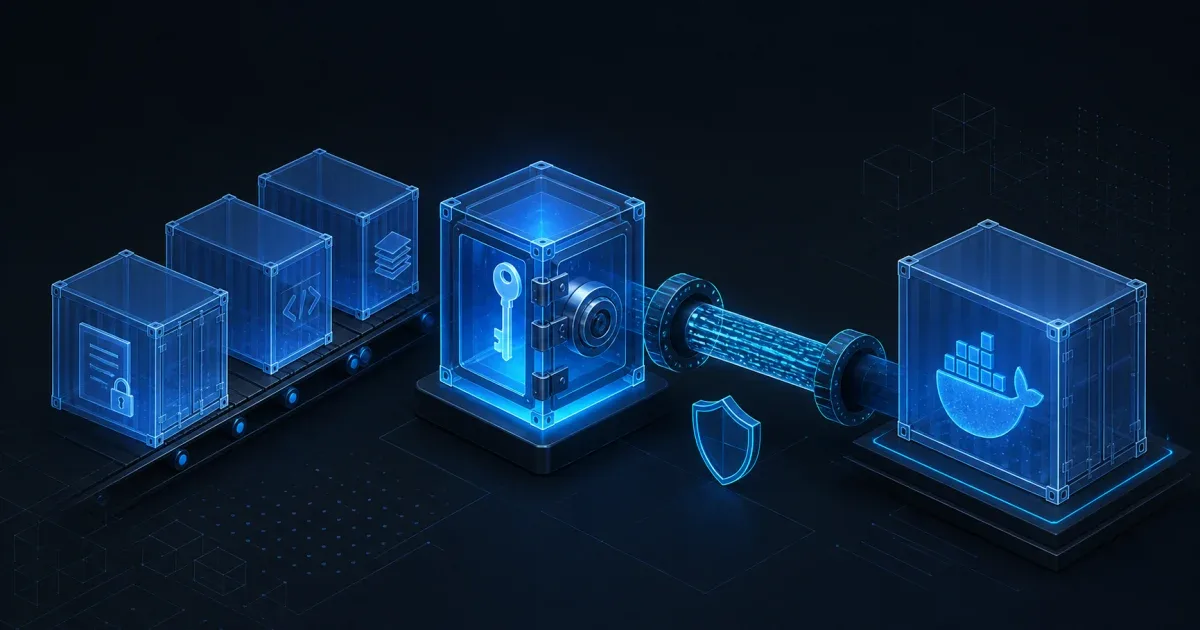
Use a BuildKit secret mount when a Docker build needs a token, private package credential, or SSH key. Pass it with docker build --secret, consume it with RUN --mount=type=secret, and never put the value in ARG, ENV, or a copied file.
The secret mount is temporary: the value is available to the single RUN instruction and is not copied into the resulting image by the mount itself. That makes it the right boundary for private package installs and authenticated Git operations. It does not protect a command that prints the secret or writes it into an output file, so the command still has to treat the mounted value as sensitive.
Why ARG and ENV are the wrong place for build credentials
This pattern looks convenient but leaks the credential into build metadata or the image configuration:
ARG NPM_TOKENRUN npm config set //registry.npmjs.org/:_authToken=$NPM_TOKEN && npm ciBuild arguments are not designed for secrets. Docker documents that values used in ARG can be visible in the image history, and modern BuildKit provenance can also record build arguments. An ENV value is even more obviously part of the image configuration and is inherited by later layers and containers.
The Dockerfile reference recommends secret mounts instead. A useful rule is:
| Build input | Use it for | Keep it out of |
|---|---|---|
ARG | A non-sensitive version or feature switch | Passwords, tokens, private keys |
ENV | A runtime setting that the image may intentionally expose | Credentials that should not reach the container |
RUN --mount=type=secret | A credential needed by one build command | The final image and build layers |
RUN --mount=type=ssh | An SSH agent used by a private Git operation | Copied key files and image layers |
If a value determines the output of a build, remember that a secret’s contents are not included in BuildKit’s cache checksum. A cached RUN can therefore be reused even after the secret changes; the cache invalidation guide explains how to add a non-secret cache-busting input when that behavior matters.
Mount a file secret with docker build --secret
For a private npm registry, keep the local .npmrc outside the build context when possible and pass it as a secret source:
# syntax=docker/dockerfile:1FROM node:22-alpine
WORKDIR /appCOPY package*.json ./
RUN --mount=type=secret,id=npmrc,target=/root/.npmrc,required=true \ npm ci
COPY . .CMD ["npm", "start"]Build the image with the matching secret ID:
docker build \ --secret id=npmrc,src="$HOME/.npmrc" \ --tag example-app:build-secrets .The id connects the command-line source to the Dockerfile mount. The default mount location is /run/secrets/<id>, but target makes the path explicit for tools such as npm that already look for a configuration file. required=true changes a missing credential from a confusing package-install failure into an immediate mount error.
Do not add the secret file to COPY, and do not use a build argument to interpolate its contents into a RUN command. The secret is mounted only while that instruction runs. If the package manager creates a cache containing credentials, configure that cache separately and inspect what the tool writes.
Use an environment secret when the tool expects a variable
BuildKit can read the source from the client environment instead of a file:
export GIT_AUTH_TOKEN='use-a-short-lived-token'docker build \ --secret id=GIT_AUTH_TOKEN,env=GIT_AUTH_TOKEN \ --tag example-app:private-dependency .Consume it in the one command that needs it:
RUN --mount=type=secret,id=GIT_AUTH_TOKEN,env=GIT_AUTH_TOKEN,required=true \ ./scripts/download-private-dependency.shThe command should read the variable and avoid echoing its environment. Prefer a short-lived, least-privilege token, and make sure CI masks the source variable in logs. The env option changes how the secret is exposed inside the instruction; it does not turn the value into a normal image-wide ENV variable.
Use an SSH mount for private Git dependencies
An SSH agent is a different credential shape. Do not copy a private key into the image. Forward the agent only to the clone or install command:
# syntax=docker/dockerfile:1FROM alpine:3.20
RUN apk add --no-cache git openssh-clientRUN mkdir -p -m 0700 /root/.ssh \ && ssh-keyscan github.com >> /root/.ssh/known_hosts
RUN --mount=type=ssh \ git clone git@github.com:example/private-library.git /opt/private-libraryBuild with the SSH agent that is already loaded on the client:
docker build --ssh default --tag example-app:private-git .Use required=true on the SSH mount when the build must fail rather than silently falling back to an unauthenticated URL:
RUN --mount=type=ssh,id=default,required=true \ git clone git@github.com:example/private-library.git /opt/private-libraryThe SSH mount forwards agent access for the instruction; it does not make the private key available as a normal file in the image.
Debug a secret that is “not available”
When the build cannot see the credential, check the ID and source independently:
- Confirm the
--secret id=...ID exactly matches the Dockerfileid=.... - Confirm the source file exists or the environment source is set in the process that invokes
docker build. - Add
required=truewhile diagnosing so a missing mount fails at the boundary. - Check that the command reads the mounted path or environment name you selected.
- Confirm the build is using BuildKit and the Dockerfile syntax version supports the mount.
- Re-run with a harmless existence check, never with a command that prints the secret.
For a file mount, this test verifies only that the file is present:
RUN --mount=type=secret,id=license,target=/run/secrets/license,required=true \ test -s /run/secrets/licenseDo not replace the check with cat /run/secrets/license. Build logs are another output channel, and a secret that is absent from the final image can still be exposed by the build log.
Verify the image and build configuration
After a successful build, inspect the history and the generated image without printing the credential:
docker history --no-trunc example-app:build-secretsdocker image inspect example-app:build-secretsLook for accidental ARG, ENV, or shell commands containing the credential. These checks cannot prove that an arbitrary build script did not persist a secret, so also review the command that consumed the mount and any files it generated. If a real credential was exposed in history, logs, a layer, or a deployed image, rotate it and rebuild; deleting the Dockerfile line does not revoke a leaked token.
If the failure is instead COPY failed: file not found, debug the build context and .dockerignore boundary with Docker COPY failed: file not found. Secret mounts solve credential handling, not files that were never sent to the builder.
The practical rule is simple: use ARG for public build choices, ENV for intentional runtime configuration, and secret or SSH mounts for credentials that exist only while one build instruction runs.
FAQ
Are Docker build secrets included in the final image?
The secret mount itself is temporary and is not copied into the image layer. A command can still leak it by writing the value into a file, output, generated artifact, cache, or log, so review the command that consumes it.
Why does Docker history show my build token?
The token was probably passed through ARG, ENV, or a shell command whose text became build metadata. Rotate the token, remove the insecure input, and rebuild with a BuildKit secret mount.
Does --secret work without BuildKit?
Secret mounts are a BuildKit Dockerfile feature. Use a current Docker build flow with BuildKit support and the RUN --mount=type=secret syntax; do not silently fall back to ARG for older tooling.
Should I use a secret mount or an SSH mount for a private Git repository?
Use a secret mount for a token or credential file that the Git client expects, and an SSH mount when the repository is accessed through an SSH agent. In both cases, forward only the credential needed by the specific command.
References: