

JSON 大整數 ID 變號:字串契約、BigInt 與解析精度檢查
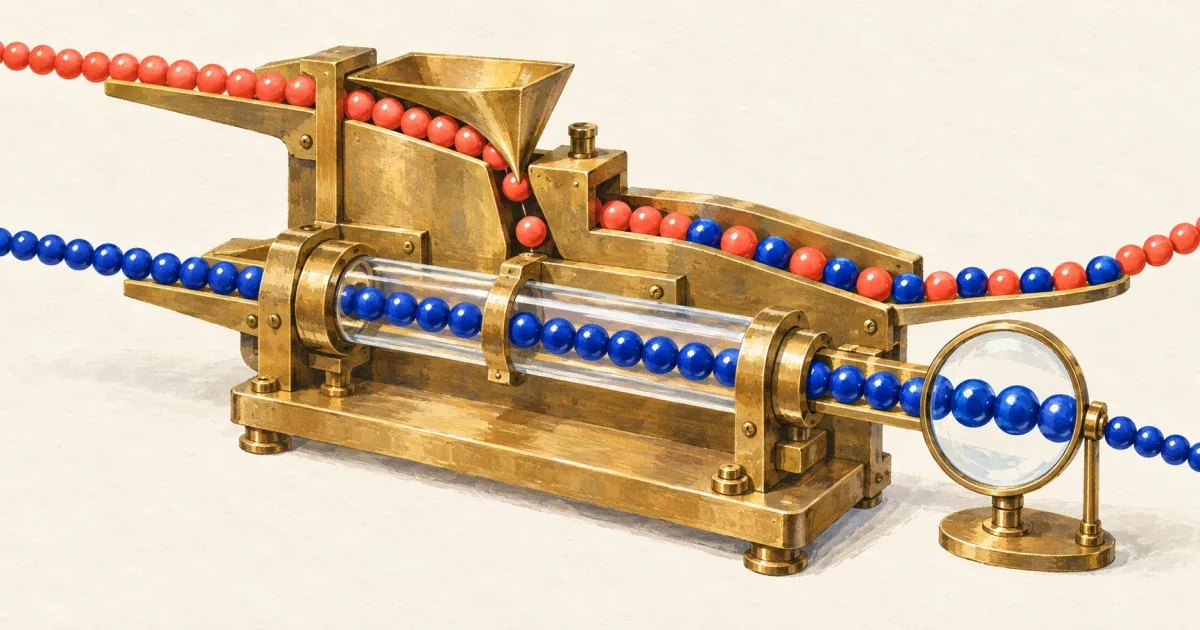
API 回傳的 ID 是 9007199254740993,前端送回卻成了 9007199254740992;JSON 解析成功也沒有例外。問題可能發生在 JSON 數字轉成 JavaScript Number 的那一刻,兩個不同 ID 甚至會在 Map 裡成為同一個 key。
不需要算術的 ID,優先讓 API 從來源就以字串傳遞,前端一路保留字串。 對已經捨入的 Number 呼叫 String() 或 BigInt(),只會轉換錯誤的值,無法找回原始數字。
先用原始 JSON 證明是哪一層丟失精度
Number.isSafeInteger 文件定義安全整數範圍為正負 2^53 − 1。超過範圍不表示每一個整數都無法表示,但不能再保證和相鄰整數區分。
以下可獨立存成 id-loss.mjs,執行 node id-loss.mjs:
import assert from 'node:assert/strict';
// 刻意保留原始文字;不要先寫成 JS 數字再 stringify。const raw = '[{"id":9007199254740992},{"id":9007199254740993}]';const rows = JSON.parse(raw);assert.equal(rows[0].id, rows[1].id);assert.equal(new Map(rows.map(row => [row.id, row])).size, 1);assert.equal(Number.isSafeInteger(rows[1].id), false);assert.equal(String(rows[1].id), '9007199254740992');assert.equal(BigInt(rows[1].id), 9007199254740992n);
// reviver 收到的 value 也已經是 Number。const tooLate = JSON.parse('{"id":9007199254740993}', (key, value) => key === 'id' ? BigInt(value) : value,);assert.equal(tooLate.id, 9007199254740992n);console.log('精度遺失與 ID 碰撞已重現');JSON.parse 文件說明 reviver 在值解析後執行,因此 BigInt(value) 並沒有繞過 Number。除錯時應保留 Network 的原始回應文字,對照資料庫/API、解析後物件與送回請求三個階段;若伺服器在序列化前已把 ID 轉成浮點數,前端拿到原始 JSON 也救不回更早丟掉的資料。
這與 fetch JSON 的 Unexpected token、空回應及 HTML 排錯不同:這裡的 JSON 語法合法,失敗的是資料表示與契約。
能改 API,就把 ID 設成字串欄位
例如回傳 {"id":"9007199254740993"},讀取、Map key、表單與送回 API 都使用同一個字串。不要為了比較是否相同而先做 Number(id);含前置零的識別碼也應保留原文,是否允許前置零由你的 schema 決定。
下面的範例契約限定根物件必須有一個非負十進位字串 id,允許 "0",拒絕前置零、空白、負號與數字型別。它只回傳擁有的欄位;不是任意 API 的通用 schema。
import assert from 'node:assert/strict';
function readIdRecord(raw) { const data = JSON.parse(raw); if (data === null || typeof data !== 'object' || Array.isArray(data) || !Object.hasOwn(data, 'id') || typeof data.id !== 'string' || !/^(0|[1-9][0-9]*)$/.test(data.id)) { throw new TypeError('Expected a decimal string id'); } return { id: data.id };}
const originalId = '9007199254740993';const record = readIdRecord('{"id":"9007199254740993"}');assert.equal(record.id, originalId);assert.equal(JSON.parse(JSON.stringify(record)).id, originalId);assert.equal(readIdRecord('{"id":"0"}').id, '0');for (const raw of [ '{"id":9007199254740993}', '{"id":42}', '{"id":"01"}', '{"id":" 1"}', '{"id":"-1"}', '{"id":""}', '{}', 'null', '[]',]) { assert.throws(() => readIdRecord(raw), TypeError);}console.log('字串 ID 契約與往返檢查通過');如果既有契約明訂 ID 是安全整數,可以在接受數字前用 Number.isSafeInteger(id) 拒絕超出範圍的值,再檢查正負與範圍。這是拒絕不合格輸入的方法,不是精度修復;也無法證明來源經過其他計算前從未失真。對 ID 字串不要先轉 Number 再驗證,否則已經繞回原問題。
舊 API 只能回傳數字時,必須從原始文字解析
若上游暫時無法改成字串,而你仍持有未經一般 JSON parser 處理的原始本文,可在支援 reviver context.source 的執行環境,從原始數字片段建立 BigInt。這項能力需在目標 runtime 檢查,不能只看有沒有 JSON.parse。
下面是獨立範例,契約刻意限定為根物件只有一個非負整數 id,拒絕額外欄位、小數與指數寫法。若 API 有陣列或巢狀欄位,應另訂對應 schema;不能把所有名稱叫 id 的欄位都無條件轉型。
import assert from 'node:assert/strict';
function supportsParseSource() { let supported = false; JSON.parse('0', (_key, value, context) => { supported = context?.source === '0'; return value; }); return supported;}
function readLegacyId(raw) { if (!supportsParseSource()) { throw new Error('JSON reviver source is required'); } const data = JSON.parse(raw, (key, value, context) => { if (key !== 'id') return value; if (typeof value !== 'number' || typeof context?.source !== 'string' || !/^(0|[1-9][0-9]*)$/.test(context.source)) { throw new TypeError('Expected an unsigned integer token'); } return BigInt(context.source); }); if (data === null || typeof data !== 'object' || Array.isArray(data) || Object.keys(data).length !== 1 || !Object.hasOwn(data, 'id') || typeof data.id !== 'bigint') { throw new TypeError('Expected only an id field'); } return data;}
assert.equal(supportsParseSource(), true); // 本測試需要支援的 runtimeconst exact = readLegacyId('{"id":9007199254740993}');assert.equal(exact.id, 9007199254740993n);assert.equal(readLegacyId('{"id":0}').id, 0n);for (const raw of [ '{"id":1e3}', '{"id":1.5}', '{"id":-1}', '{"id":-0}', '{"id":"123"}', '{"id":null}', '{}', '[]', '{"id":1,"extra":true}', '{"nested":{"id":1}}',]) { assert.throws(() => readLegacyId(raw), TypeError);}assert.throws(() => JSON.stringify(exact), TypeError);const outgoing = JSON.stringify({ id: exact.id.toString() });assert.equal(JSON.parse(outgoing).id, '9007199254740993');console.log('原始 token、拒絕邊界與 BigInt 輸出檢查通過');此做法依賴 ECMAScript 的 JSON.parse/InternalizeJSONProperty 規則,從 context.source 取回數字的來源文字。若資料已先經 response.json()、SDK、自動轉換 middleware 或一般 JSON.parse() 變成物件,之後再 stringify 並套用此函式無法還原。fetch 整合時應決定單一讀取者,以 response.text() 取得原文後解析,並沿用 HTTP 狀態、Content-Type、本文大小等檢查。
這份 parser 沒有實作重複 JSON key 偵測,也沒有提供任意精度的小數運算。BigInt 適用整數;MDN BigInt 文件也說明一般 JSON.stringify() 無法直接處理 BigInt。需要送回資料時,依 API 契約明確轉成字串,別改成 Number,也別為單一 API 全域修改 BigInt 的序列化行為。
本文三個獨立 fixture 由維護流程於 2026-10-26 在 macOS、Node.js v24.13.0 執行,涵蓋 ID 碰撞、錯誤的事後轉換、字串往返、reviver 來源及拒絕條件。沒有呼叫真實 API、驗證瀏覽器相容性或測試 SDK;接入系統前仍需確認資料庫到 API 的表示方式、runtime 的來源文字支援,以及後端是否接受送回的字串。
參考資料: