

n8n 2.33.7 Stable vs 2.34.4 Beta: Safe Self-Hosted Upgrade Checks
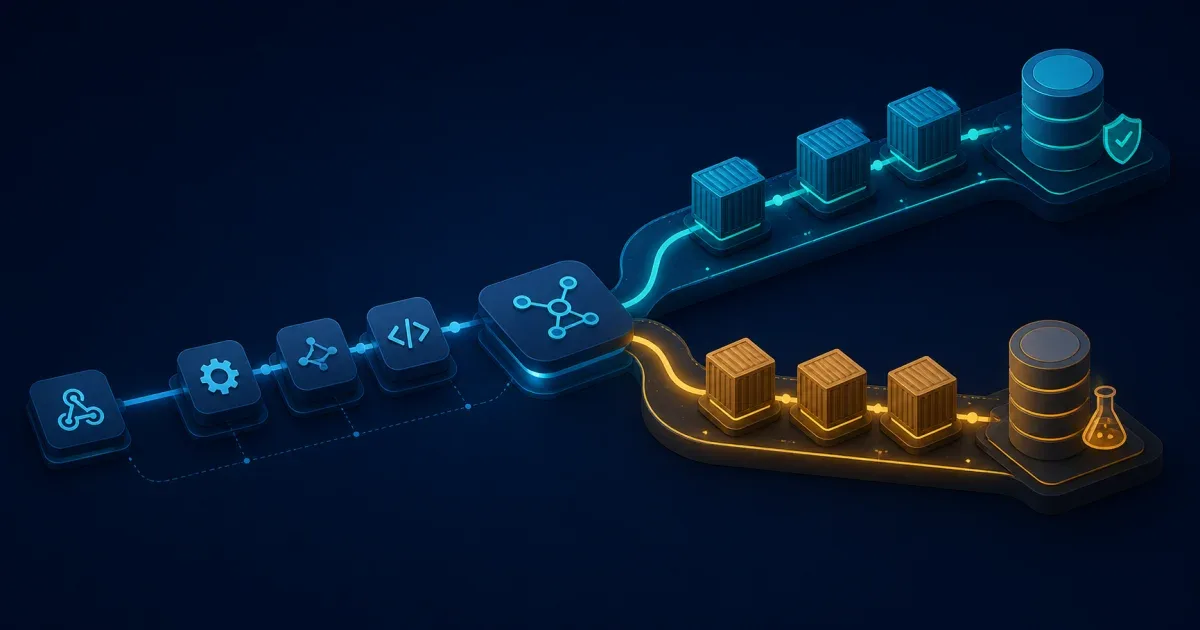
As of August 9, 2026, n8n’s npm dist-tags point latest and stable to 2.33.7, while beta and next point to 2.34.4. The rc tag still points to 2.33.7, and GitHub marks 2.34.4 as a pre-release. That makes 2.33.7 the safer production choice; use 2.34.4 only when you are intentionally testing the preview line.
The difference matters more for a self-hosted installation than for a local experiment. A production n8n deployment can include the main editor/API process, queue workers, and task runners, all sharing a database and sometimes external binary storage. Upgrade those pieces as one controlled change, and keep a rollback path that includes the data layer.
Confirm the channel before changing anything
Do not infer the channel from a Docker tag such as latest. Check the package registry and the release page from the environment where you are planning the change:
npm view n8n dist-tags --jsonnpm view n8n@latest version engines --jsonnpm view n8n@beta version --jsonThe current check returns 2.33.7 for latest and 2.34.4 for beta. The latest package also declares Node.js >=22.22. If you install n8n with npm rather than Docker, verify the runtime before the upgrade:
node --versionn8n --versionThe 2.34.4 pre-release notes include a task-runner health-check fix and a fix for out-of-scope display-option dependencies. Those notes are useful for deciding whether a beta test addresses a problem you actually have; they are not a reason to move a production instance to a pre-release automatically. Release notes are a compatibility clue, not a substitute for testing your own database, queue, and runner setup.
Make the deployment reproducible
Before upgrading, record the exact image or package version, database type, queue mode, worker count, task-runner mode, and n8n configuration variables. A short inventory makes a rollback much less ambiguous:
application: 2.33.7database: PostgreSQL 16mode: regular or queueworkers: 0, 2, ...runners: external or internalstorage: local or externalPin the version in your deployment definition instead of relying on a moving tag. Keep the same image family you already use, changing only the tag. For example, an installation using the official n8n image can make the version explicit:
services: n8n: image: docker.n8n.io/n8nio/n8n:2.33.7If your compose file has separate worker or runner services, pin them to the same version. n8n’s external-storage guidance calls out version alignment across the main process, workers, and runners because their payloads and APIs must remain compatible during an upgrade.
Back up the data that rollback depends on
Take a tested database backup and record where the n8n encryption key comes from. Preserve the configuration needed to mount the n8n data directory and any external binary storage. A container image can be replaced quickly; credentials, execution data, and encryption settings cannot be reconstructed from it.
For a small Docker Compose deployment, the safe sequence is conceptually:
- Pause new executions or put the instance into the maintenance procedure your team uses.
- Take the database and persistent-volume backups.
- Save the current deployment definition and image digest.
- Change the application tag to the target version.
- Start the main process, workers, and runners together.
Do not delete the old image or backup until the new version has passed its checks. If a migration has changed the database schema, rolling back the container alone may not be sufficient; restore the matching data backup only after deciding whether the failed upgrade wrote data that must be preserved.
Upgrade a Compose deployment
Replace service names with the ones in your own file. Pulling and recreating all n8n components in one maintenance window avoids a main process talking to workers from a different release:
docker compose config --quietdocker compose pull n8n worker runnerdocker compose up -d n8n worker runnerdocker compose psIf you do not run a worker or runner, omit that service rather than inventing a placeholder in the command. For a queue-mode installation, check that the queue backend is healthy before opening the editor to users.
Keep a development watcher separate from this release procedure. The Docker Compose Watch guide explains how source sync and dependency rebuilds work locally; an n8n version change still needs a pinned image, data backup, and coordinated service restart.
Verify the running version from inside the actual application service and inspect startup logs:
docker compose exec n8n n8n --versiondocker compose logs --tail=100 n8nThen exercise a low-risk workflow, confirm credentials can be resolved, and verify that a queued execution reaches a worker when queue mode is enabled. Check binary data separately if your workflows use files, because a successful editor login does not prove that external storage is configured correctly.
Decide whether a beta test is worth the risk
Use 2.34.4 in a disposable or separately backed-up environment when you need to validate one of its fixes, test a new integration, or prepare a planned production upgrade. Keep the test representative: use the same database engine, queue settings, runners, and reverse proxy behavior as production.
Stay on 2.33.7 for production when you do not need a preview fix. A beta label is a release-channel signal, not a quality rating; it means your rollback and compatibility checks need to carry more weight.
After either upgrade, run the built-in audit command from the application environment and review the result with the same care as a dependency update:
n8n auditThe n8n security-audit documentation explains what the report checks. Also review the official update guidance for the installation method you use.
FAQ
Is n8n 2.34.4 stable?
Not in this check. The npm beta and next tags point to 2.34.4, and its GitHub release is marked pre-release. Treat 2.33.7 as the stable production channel unless your test plan says otherwise.
Can I upgrade only the n8n worker?
Avoid mixing application versions in a coordinated deployment. Upgrade the main process, workers, and task runners to the same version in one maintenance window when those components are present.
What is the safest rollback?
Repin the previous application version, but first assess database migrations. If the target release changed the schema, a reliable rollback may require restoring the database and persistent storage backup that matches the old application version.
References: